
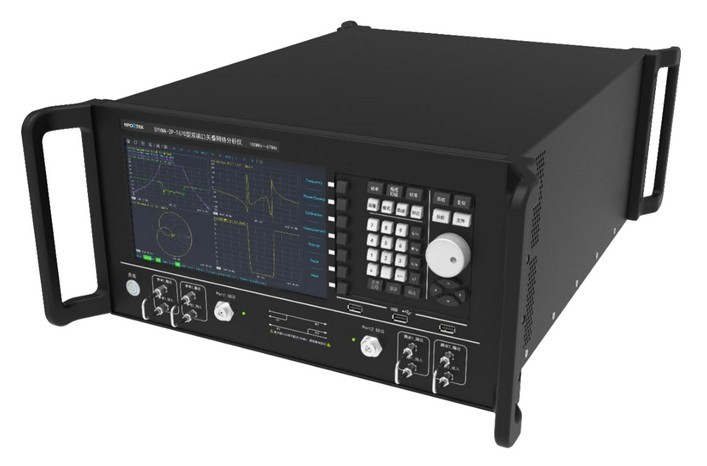
Three checks before connection and calibration
The product catalogue provides the following handling notes:
- Take anti-static precautions and check that device ports are clean before use.
- Use a torque wrench to tighten coupling nuts where applicable; confirm the torque required for the connector and device.
- Check connector pin depth before calibration to avoid damage to calibration devices.
Confirm conditions for the specific model
Frequency, input power, supply, temperature, and interfaces differ by product. Review the full specifications for your model and confirm configuration with the technical team. Some catalogue frequencies retain X placeholders; these are not disclosed fixed frequencies. Confirm the actual configuration before selection and use.
Power-amplifier protection and cooling
The catalogue SYPA amplifiers use air cooling and include input-power and over-temperature protection. The description states that RF input above 0dBm shuts off the preceding low-noise amplifier supply; overheating caused by blocked cooling or fan failure shuts off the amplifier module supply. Maintain the required cooling conditions. If protection or a fault occurs, check operating conditions and contact technical support. These notes apply to the listed models and do not replace the specific equipment operating instructions.
Prepared from the company product catalogue. Contact the company to confirm product configurations, operating conditions, and qualification details.
Back to company updates